Get one immediate win: pick three habits and do them today
Start with three simple, high-impact changes—set a start time, clear a dedicated workspace, and schedule one uninterrupted two-hour block. These small moves reduce decision fatigue and give you quick momentum. Below are 12 practical, tested productivity tips you can mix and match.
1. Define a clear start and end to your workday
Working from home blurs boundaries. Choose a consistent start time and a shutdown ritual—save your files, write three priorities for tomorrow, and power down work screens. That ritual signals your brain to switch roles, helping you focus in work hours and truly stop at day’s end.
2. Create a dedicated workspace you actually use
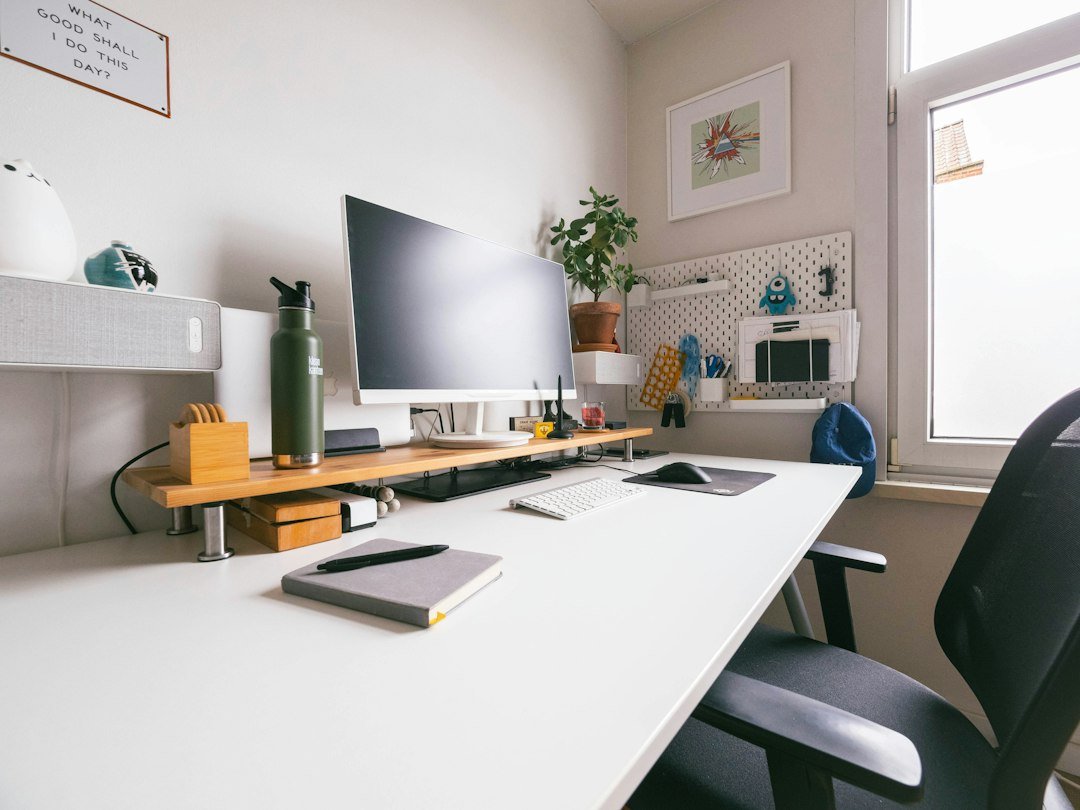
It doesn’t need to be a whole room—one reliable surface matters. A consistent place reduces the friction of starting. If you’re short on space, prioritize a desk with enough room for a laptop and notepad; the Rank #1 office desk on our site is a solid option for a roomy, simple workspace:
3. Use time blocking for your main work chunks
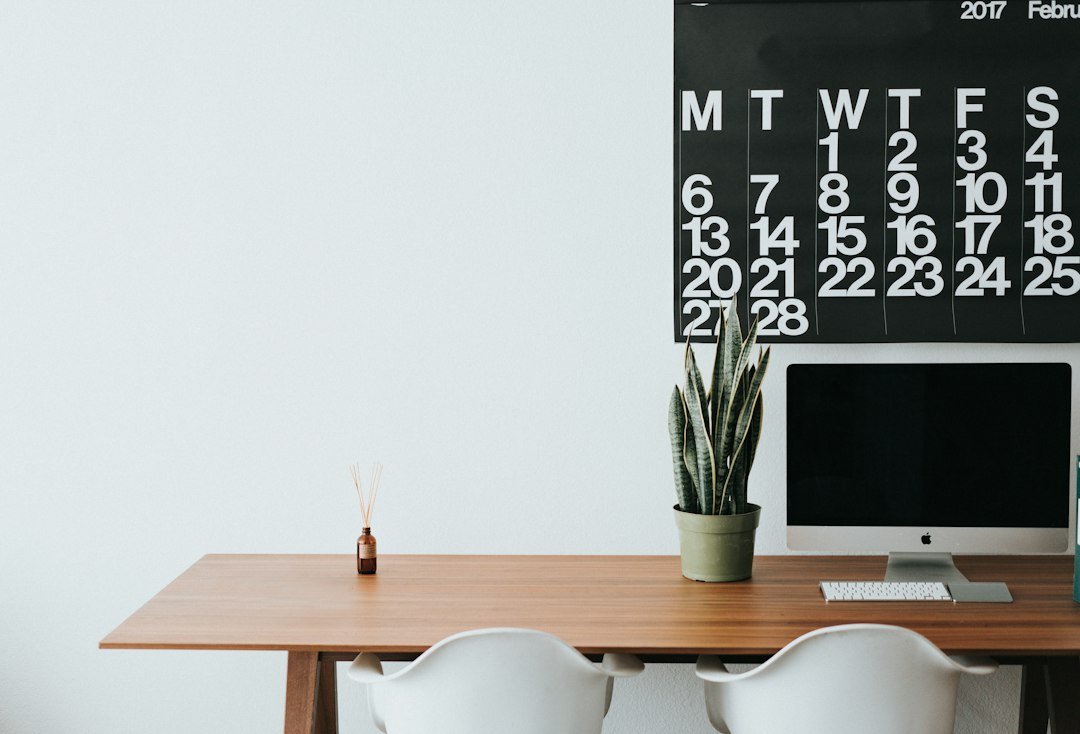
Block 60–120 minute sessions for focused tasks and put them on your calendar. Label them with specific outcomes—“Draft client proposal” beats “Work.” Add short buffer blocks for email and admin so they don’t overrun deep work.
4. Batch similar tasks to reduce context switching
Group phone calls, emails, and small admin tasks into dedicated batches. Doing similar work together reduces setup time and keeps momentum. For example: two 30-minute email batches (mid-morning and late afternoon) rather than constant checking.
5. Remove obvious distractions before you open your laptop
Small prep pays off: put your phone face-down or in another room during a focus block, close unrelated browser tabs, and mute non-essential notifications. A do-not-disturb phone habit for focus blocks can add an hour or more of real work per day.
6. Build movement into your schedule
Stand or stretch every 45–60 minutes. Short body breaks clear your head and reduce fatigue. Try a two-minute stretch routine or a quick walk around the block between blocks to reset attention and posture.

7. Keep a visible, realistic daily task list
Use a single list where you write 3–5 priorities for the day and mark them done. Cross off tasks physically or digitally—completion momentum is motivating. If something will take longer than one day, break it into a next-action that fits a single block.
8. Use meeting rules to protect focus time
Set simple norms: suggest agendas for meetings, cap them at 30 minutes, and reserve at least one daily window for no-meeting deep work. When possible, propose asynchronous updates (email or shared docs) instead of ad hoc calls.
9. Optimize small comforts that matter
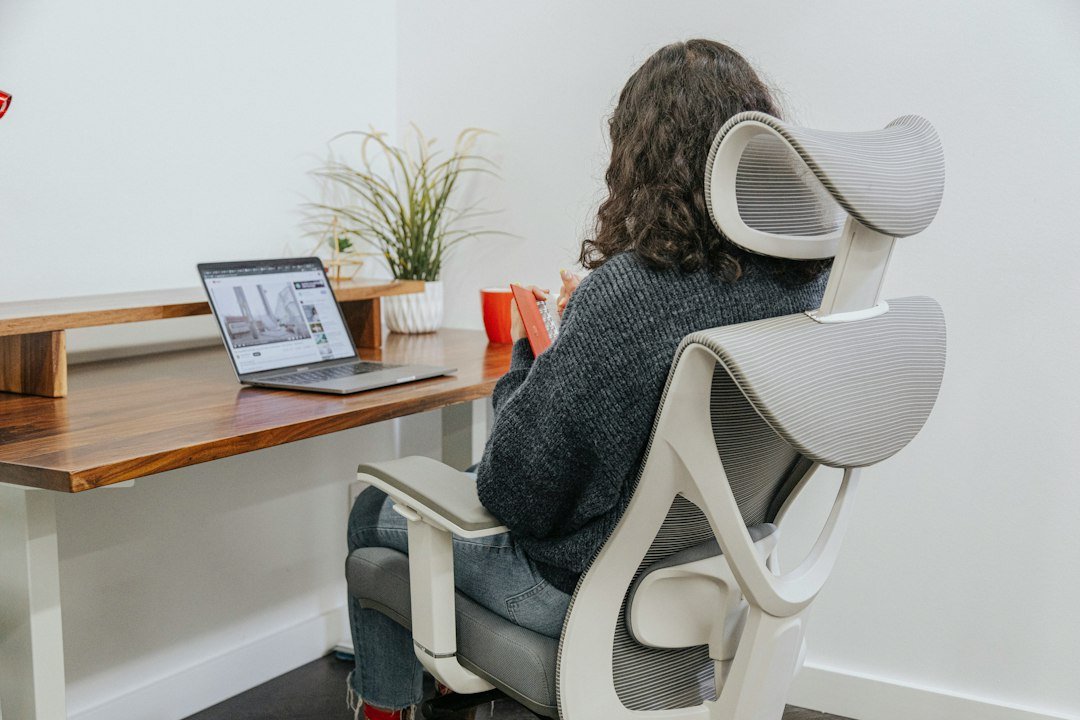
Good lighting, a comfortable chair, and a water bottle within reach reduce interruptions and fatigue. If you frequently move between rooms, consider a small desk that balances size and legroom so setup doesn’t feel temporary.
10. Make email and chat triage faster
Scan messages for urgency, then flag or schedule responses. Use quick templates for common replies and set a 10–20 minute cap per triage session. This prevents messages from derailing focus for other tasks.
11. Adopt a weekly planning session
Spend 15–30 minutes once a week reviewing upcoming meetings, deadlines, and priorities. Block big work sessions and identify potential conflicts. A simple Sunday or Monday morning planning habit reduces last-minute scrambling.
12. Protect deep work with a visual cue
Signal when you should not be interrupted: close a door, put up a small sign, wear headphones, or use a “do not disturb” light. Visual cues set expectations with housemates and make it easier for you to enforce your focus blocks.

Quick examples to adapt these tips
If you’re balancing childcare: shift deep work to when kids nap or trade blocks with a partner and use headphones to reduce background noise. If you’re in a small apartment: use a folding desk or table that becomes “work-only” during the day to preserve psychological separation.
One product decision that helps most
When deciding on a desk, prioritize surface area and legroom—enough space for a laptop and notebook plus a mug makes long sessions easier. The recommended Huuger 63-inch desk offers ample room if your space allows; pick a compact model if you need to save floor space.
- Choose a consistent start/end time for today.
- Reserve one 60–120 minute deep-work block on your calendar.
- Clear and set up a single work surface you’ll use daily.
- Turn notifications off before your focus block.
- Schedule three priority tasks for tomorrow in a shutdown ritual.
Small, consistent structure beats perfect setups. Commit to a few concrete habits—workspace, time blocks, and a shutdown ritual—and iterate from there. Add one comfort or tool that removes daily friction, and you’ll notice steady gains in focus and balance.
How many hours should I aim to work from home each day?
Aim for the number your role requires but in focused chunks—concentrate on deep, undistracted hours rather than total time. For many, 4–6 hours of focused work plus meetings is realistic.
What if I can’t get a separate room for a home office?
Designate a consistent surface, use visual cues like a curtain or portable screen, and create a shutdown routine to mentally leave work at day’s end.
Which tool helps most with focus?
Time blocking with a visible calendar and a phone do-not-disturb habit are the simplest, highest-impact tools to protect focus.
How do I stay active working from home?
Schedule short movement breaks every 45–60 minutes and add a longer walk or workout once daily; pairing movement with a meeting (walk-and-talk) can help stick to it.