Start here: you can build a productive home office without spending much—focus your budget on ergonomics, lighting, and a few smart organizers, then adapt the rest from what you already own.
If you want a productive home office on a budget, begin by picking the right location and solving the three biggest productivity drains: discomfort, poor light, and clutter. Address those first with low-cost, high-impact fixes—then layer in accessories and storage as your needs and budget grow.
Pick the right spot and define work boundaries
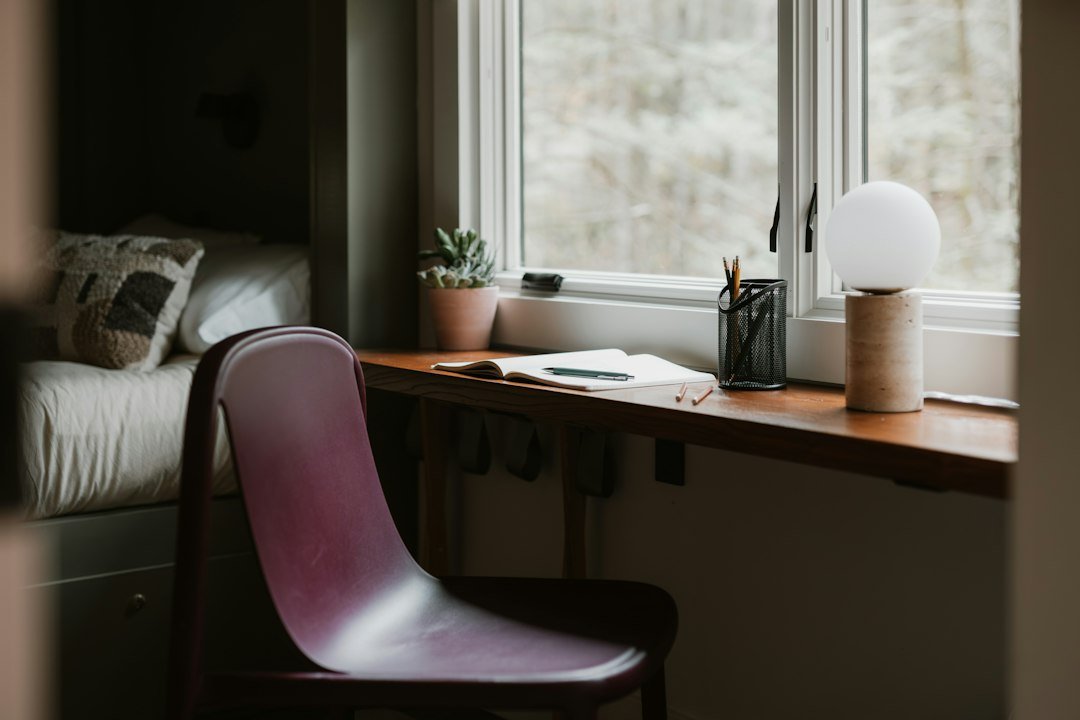
Choose a location that minimizes distractions and supports your day-to-day tasks. If you have options, prefer a corner or alcove near a window for natural light; if space is limited, a small wall-facing desk in a bedroom or living room works. The goal is consistent, repeatable place you associate with work.
- Noise and traffic: avoid the busiest paths in your home or use a room divider or tall bookshelf to create a visible boundary.
- Power and internet: test Wi‑Fi signal and outlets; a short extension cord or a basic Wi‑Fi extender is cheaper than moving furniture around.
- Visual background: for video calls, clear one small backdrop—a tidy shelf, hanging textile, or plain wall is enough.
Prioritize ergonomics affordably
Discomfort drains productivity fast. You don’t need an expensive chair immediately, but you do need good posture and support.
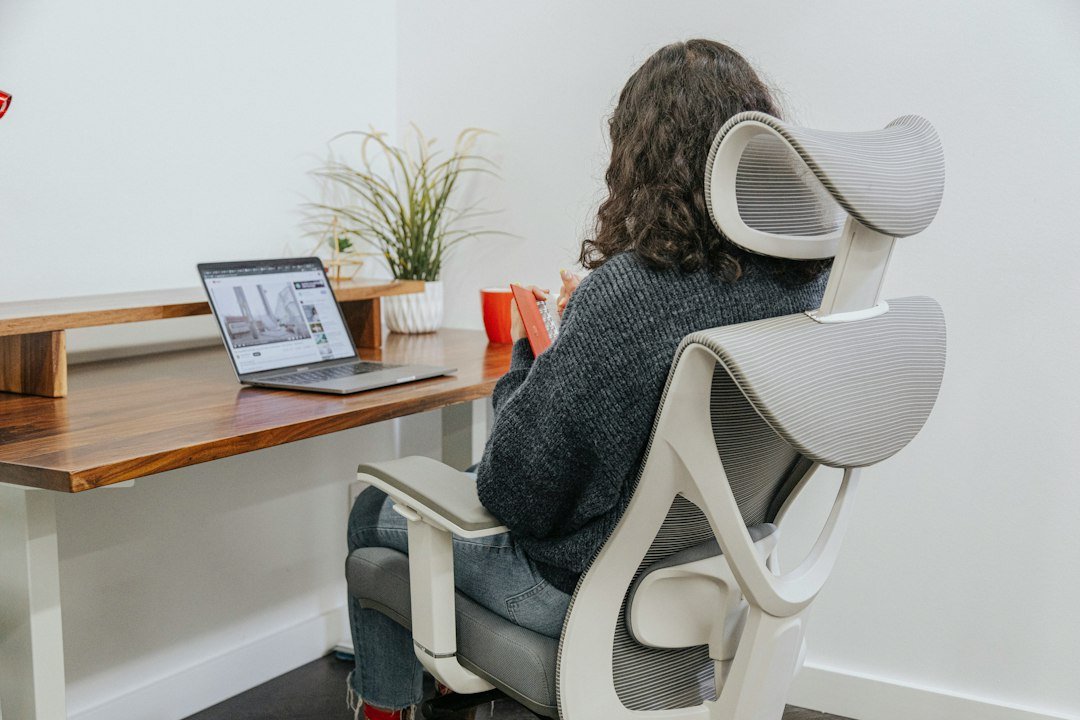
- Chair: if you already have a dining chair, add a lumbar pillow or rolled towel and a seat cushion to raise height. When budget allows, upgrade to a well-reviewed ergonomic chair—consider one from the Office Chairs category later.
- Desk height: your forearms should be roughly parallel to the floor while typing. Use risers, sturdy boxes, or a stack of books to adjust desk or monitor height cheaply.
- Screen setup: a laptop stand or a stable stack of books raises the screen to eye level; pair with a separate keyboard and mouse (even inexpensive wired options work) to preserve ergonomics.
Fix the light—task lighting beats expensive fixtures
Good lighting reduces eye strain and keeps you alert. Natural light is ideal but can create glare; combine it with adjustable task lighting.
- Place your desk perpendicular to the window to reduce screen glare. Use blinds or sheer curtains to soften bright sunlight.
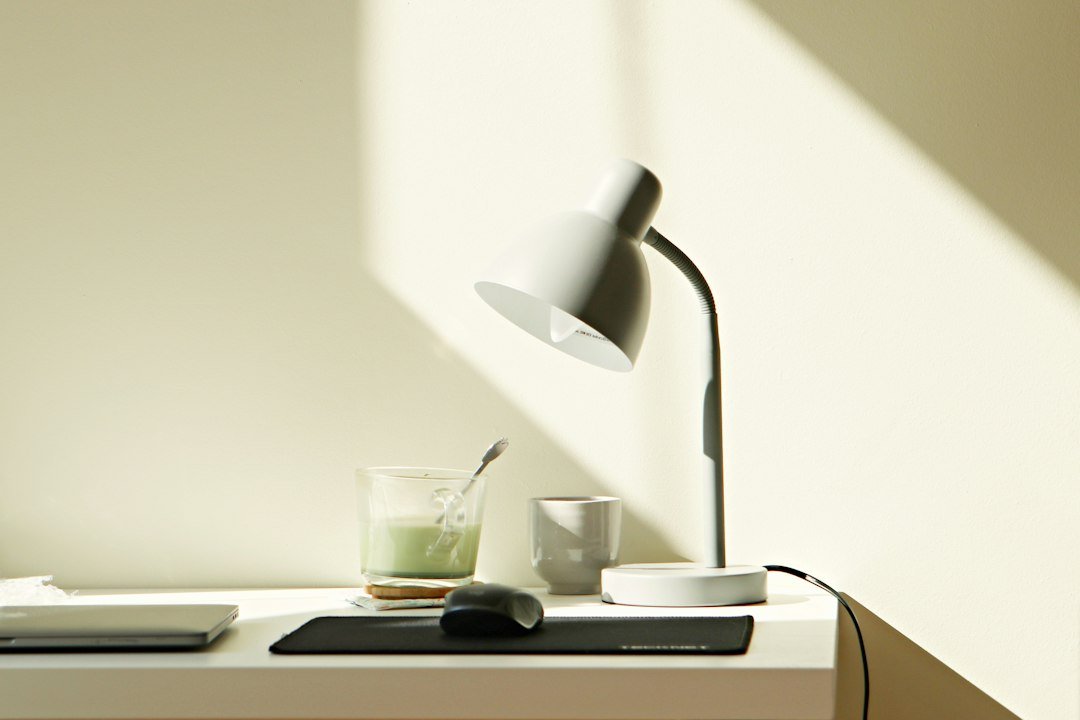
- Buy a bright, adjustable LED desk lamp that offers directional light and multiple brightness settings—this is a small purchase with big returns.
- Swap in daylight-color bulbs (about 4000–5000K) for a cooler, more focused work feel than warm household bulbs.
Cut clutter with cheap, multi-purpose storage
Clutter creates decision fatigue. Use low-cost organizers and multi-use furniture to keep surfaces clear and essentials within reach.
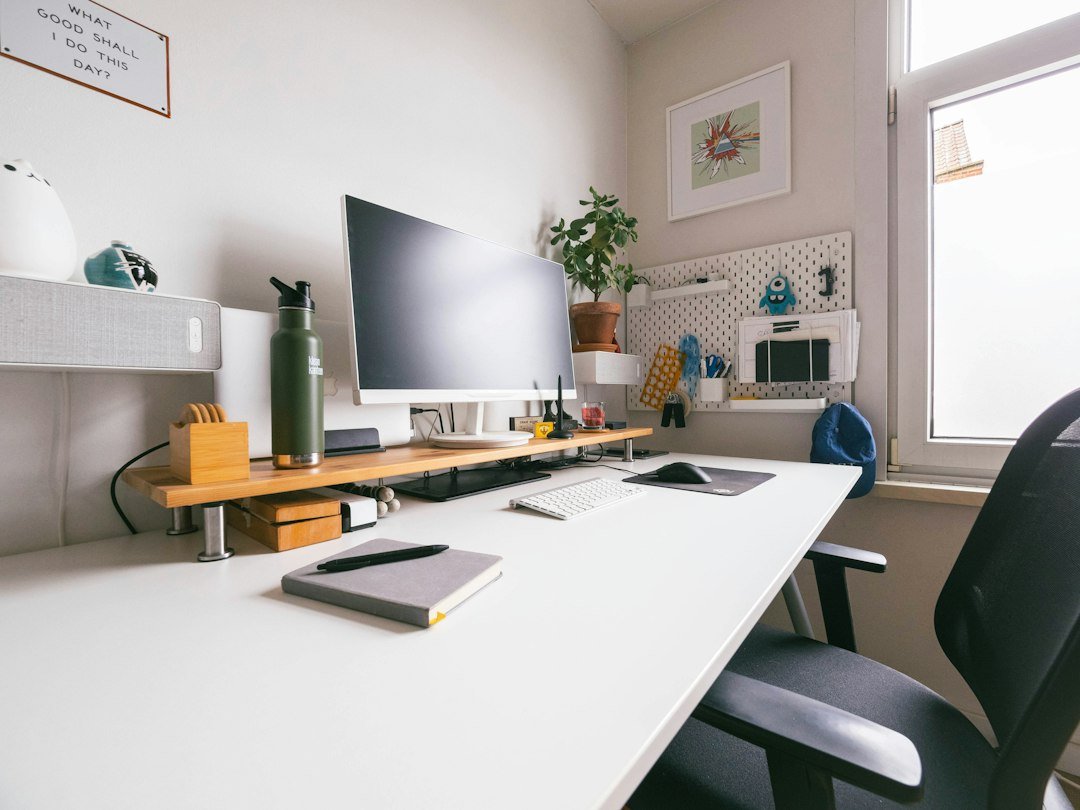
- Desk organizers: a small pen cup, tray for papers and a compact drawer organizer are more effective than a large filing cabinet for daily items.
- Shelves and bins: floating shelves or an inexpensive bookcase plus labeled bins make documents and supplies easy to store and retrieve.
- Under-desk solutions: rolling carts or shallow boxes can hold printers, paper, or camera equipment while keeping floors clear.
Buy the right things first—prioritize value over quantity
Spend on items that reduce friction. A few well-chosen purchases will improve productivity more than many small gadgets.
- Monitor or laptop stand: raises screen to eye level and pays back in comfort. If you need a monitor, buy one size that fits the desk and your typical tasks.
- Keyboard and mouse: wired or wireless basics are inexpensive and ergonomic compared with laptop typing all day.
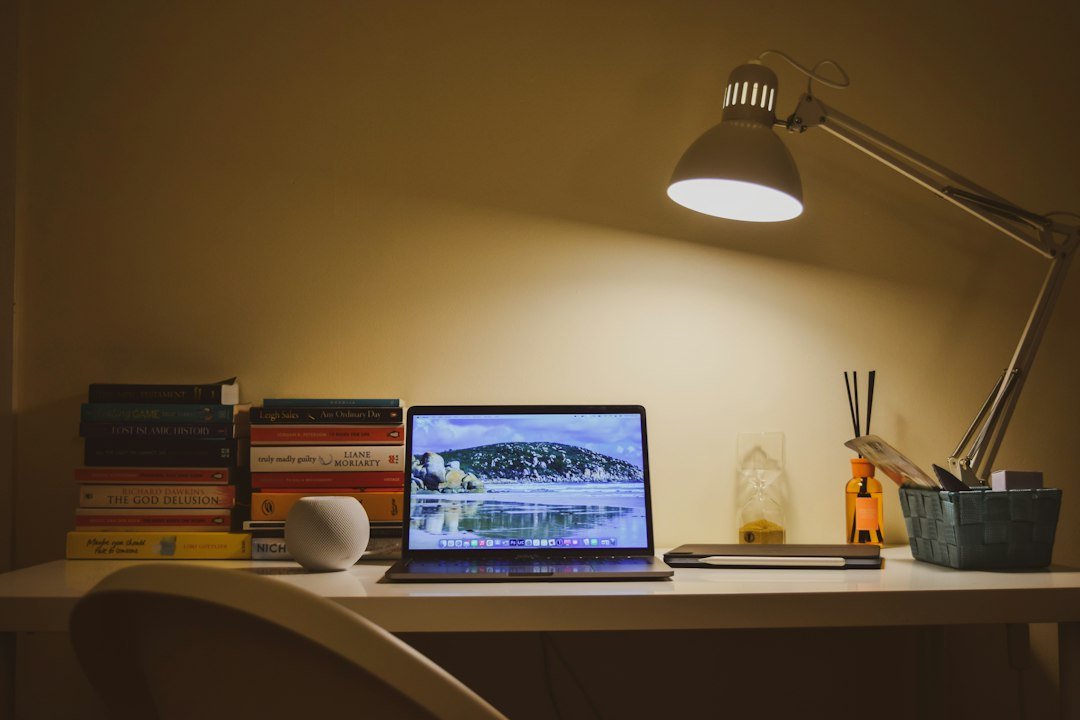
- Task lamp: adjustable brightness and angle are essential.
- Desk organizer kit: keeps small items sorted so you don’t waste time searching.
For a low-cost all-in-one organizer that covers many basic needs—pen holders, stapler, tape dispenser and more—the SKYDUE Desk Organizer Set is a practical pick to tidy daily essentials without expensive singles.
Layout for focus and flow
Think of the desk in zones: immediate task zone (keyboard, mouse), reference zone (notebooks, frequently used documents), and supply zone (stapler, pens). Keep rarely used items off the desktop or in a drawer.
- Build a morning-to-evening routine: morning zone should contain what you use every day; store weekly files on a shelf or in labeled boxes.
- Place your most-used items within arm’s reach to minimize interruptions and standing up to hunt for things.
Sound control and signaling focus
If noise is a problem, inexpensive fixes help. Use soft textiles—rugs, curtains, cushions—or hang acoustic panels (you can DIY with fabric and moving blankets). Signal availability to housemates with a visible sign or closed door.
Cable management on the cheap
Untidy cables look chaotic and make cleaning harder. Use zip ties, inexpensive cable sleeves, and a power strip mounted under the desk to keep cords off the floor. Label chargers with small colored tape to avoid mixups.
Keep it clean and maintainable
Spend 10 minutes at the end of each day to clear the desk, file papers, and set up for tomorrow. A short tidy routine preserves the productivity gains you paid for.
- Choose a quiet, well-lit location with reliable power and Wi‑Fi.
- Set up a chair/seat with lumbar support and correct screen height.
- Install a bright adjustable desk lamp and control natural light glare.
- Buy or repurpose small organizers to clear the desktop.
- Implement basic cable management and a power strip under the desk.
- Schedule a 10-minute end-of-day tidy routine.
Start with place, ergonomics and lighting—those are the highest-return investments. Use multifunctional or repurposed items and add one quality ergonomic or lighting piece at a time. Tidy daily and the space will stay productive without costly upgrades.
Can I make a productive home office in a small apartment?
Yes—choose a consistent corner or wall, use vertical shelving, and define work hours to create a mental separation between work and home. Compact desks and laptop stands help.
What is the single best inexpensive upgrade?
An adjustable desk lamp with daylight bulbs—better lighting quickly reduces eye strain and improves focus more than many other small purchases.
Do I need a full-size ergonomic chair right away?
Not necessarily. Temporary fixes (lumbar cushions, seat pads) are fine short-term; prioritize a good chair when you spend more time working from home.
How do I prevent clutter from coming back?
Adopt a 10-minute end-of-day routine, keep only daily essentials on the desk, and use labeled bins or drawers for paperwork and supplies.
What low-cost tech makes the biggest difference?
An external monitor or even a cheap monitor riser plus an external keyboard improves posture and doubles productivity for multi-window work.